
Backup and restore help
Back up your archive and restore with review.
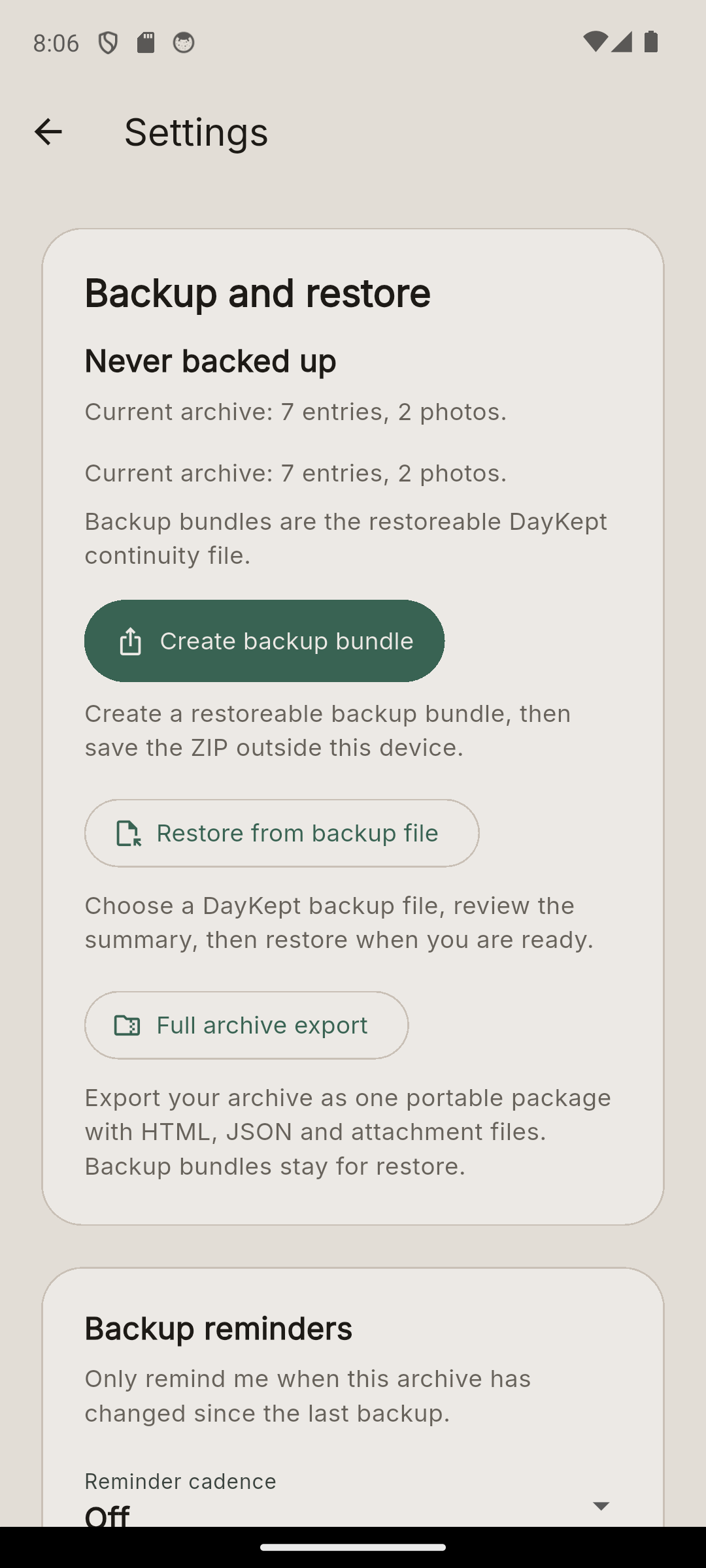
Create a visible backup file, keep it somewhere reachable, then review the restore before you confirm.
Two different files
- Backup file = a DayKept file you can restore later.
- Full archive export = a portable copy with readable files, data and attachments.
Before moving devices
- Create a DayKept backup file on the current device.
- Keep that backup file somewhere you can reach on the next device.
- Keep the backup file until you have checked the restored archive.
On the next device
- Install DayKept.
- Open Backup and restore.
- Select Restore from backup file.
- Choose the backup file.
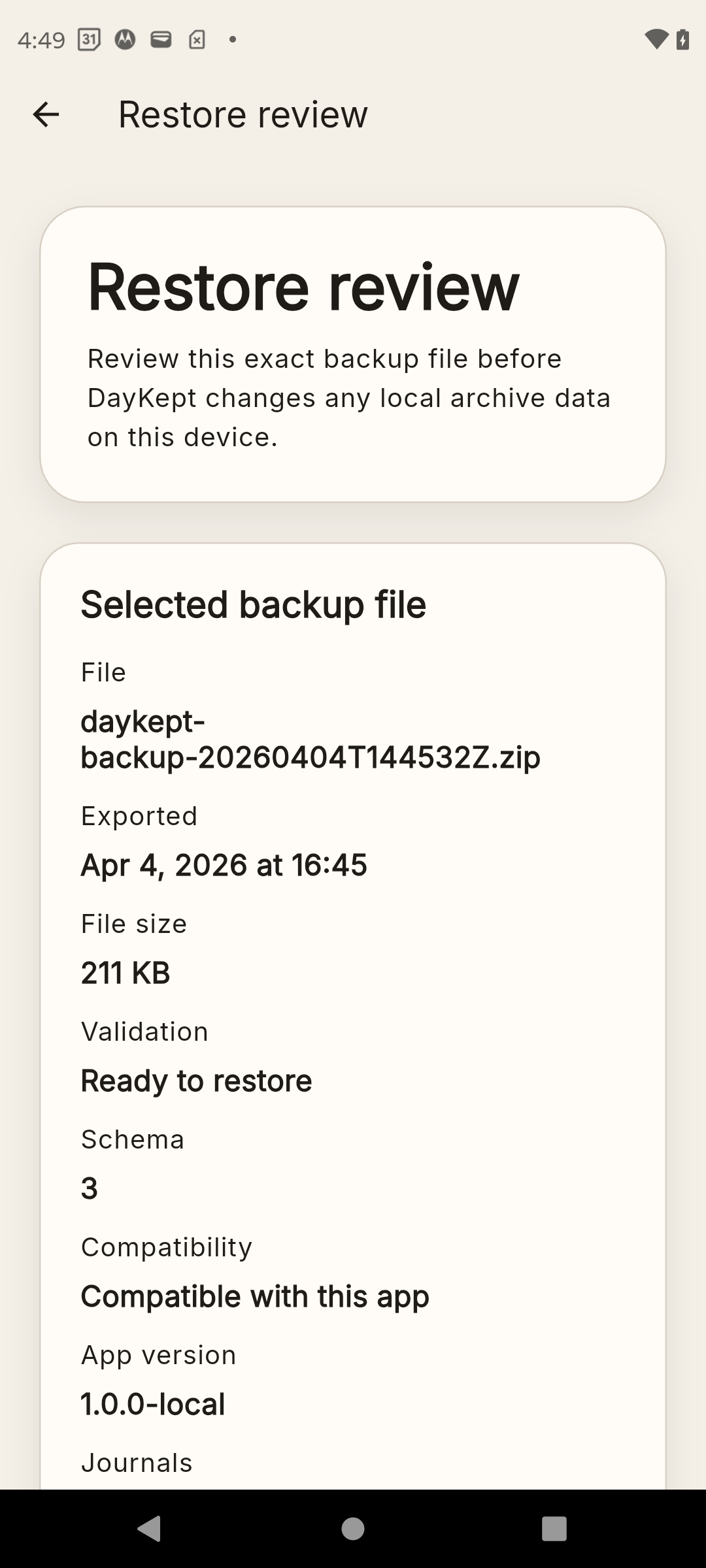
- Read the restore summary before you confirm.
What the restore summary shows
- The backup file you selected.
- Whether that file is valid and compatible.
- What DayKept will restore.
- A summary of what you should expect after restore.
Optional backup copies on Android
If you enable this Pro option, DayKept can save backup files to a visible folder in your Google Drive. These are backup files, not sync.
If something fails
Email support@daykept.com with your device model, Android version, app version and the exact step where the flow stopped. Do not send journal content unless support explicitly asks for it.