On your device first
Start writing locally, without a mandatory account before your first entry.
Private Android journal
Write without an account. Keep entries on your device. Search titles, text and tags, create visible backups, restore from files and export a readable archive.
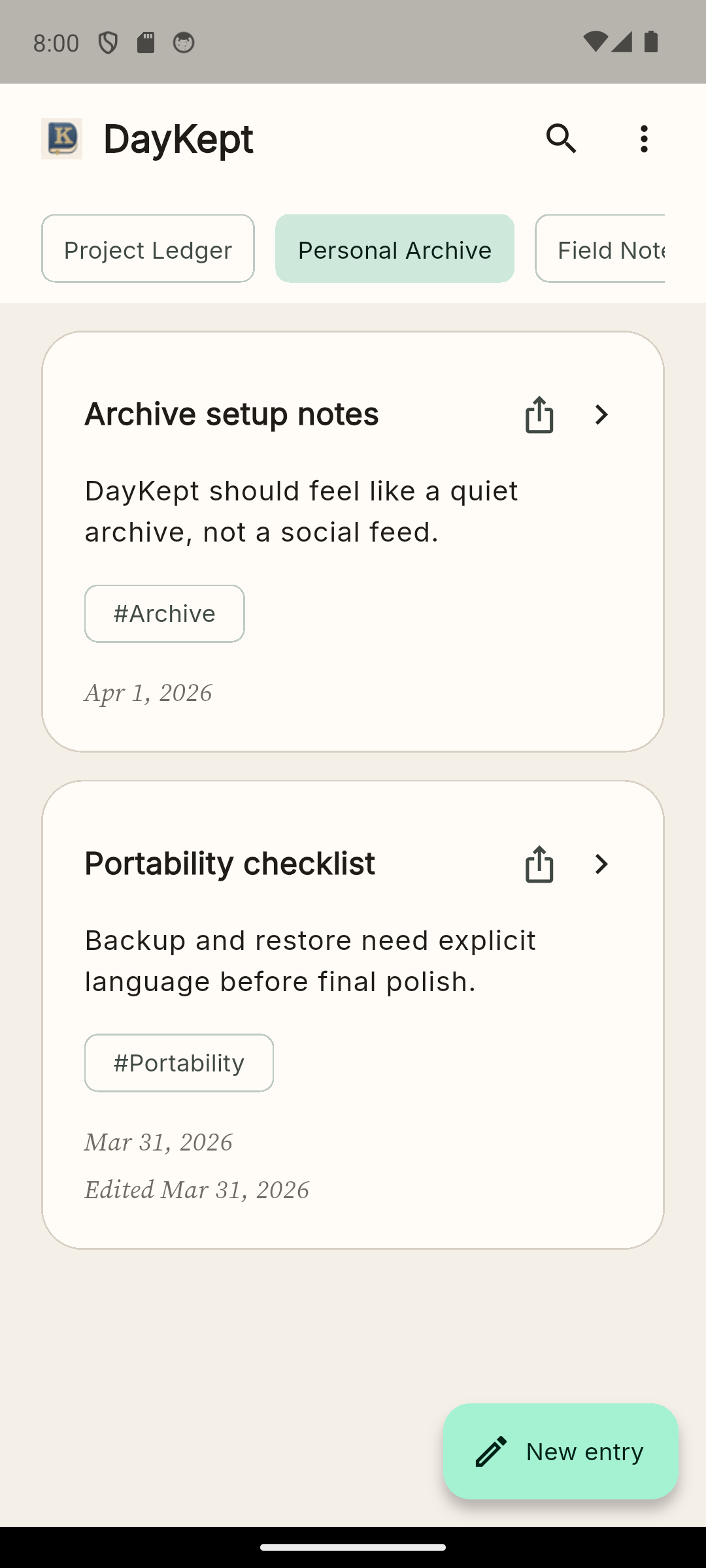
Start writing locally, without a mandatory account before your first entry.
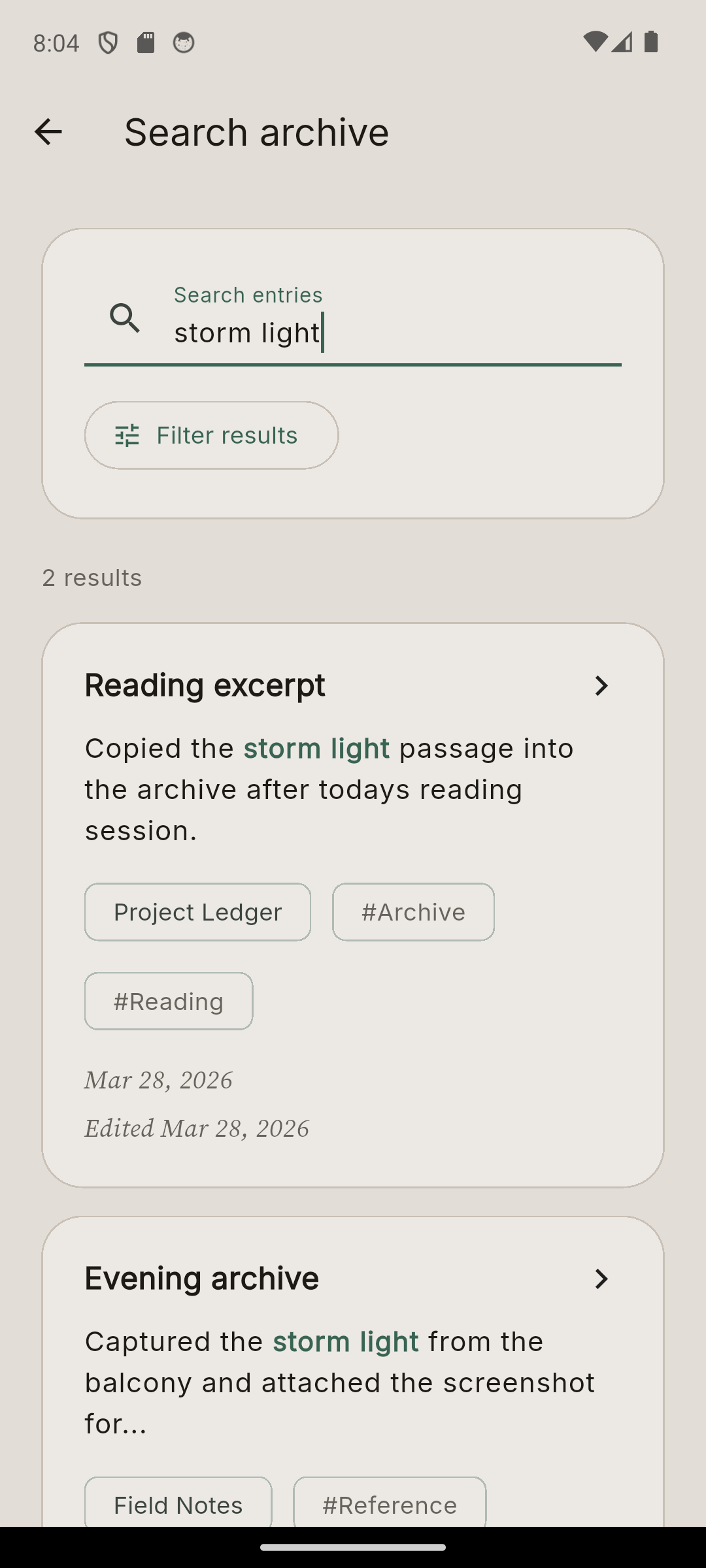
Search titles, entry text and tags as your archive grows.
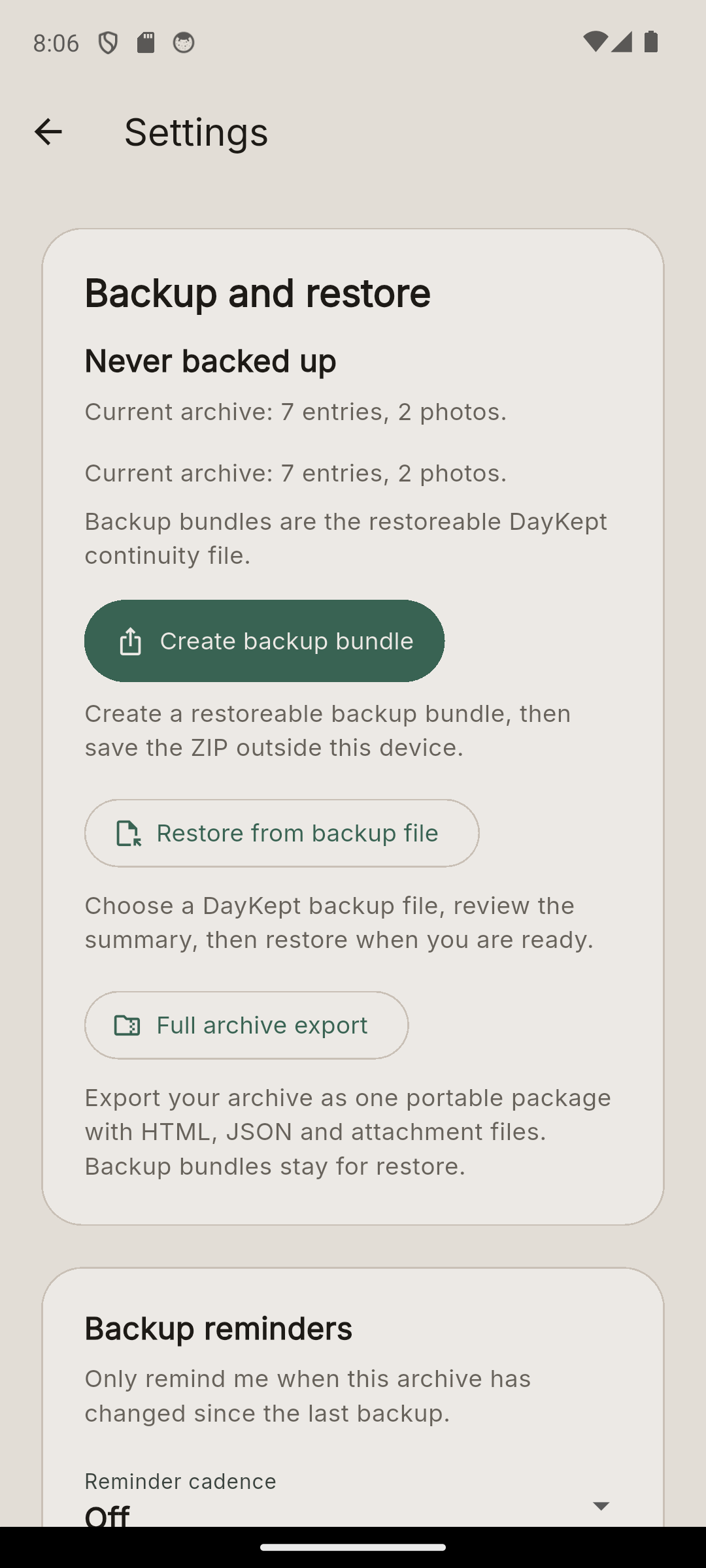
Create visible backup files, restore from valid backups and keep full export separate from backup.
Proof in the app
Archive tools
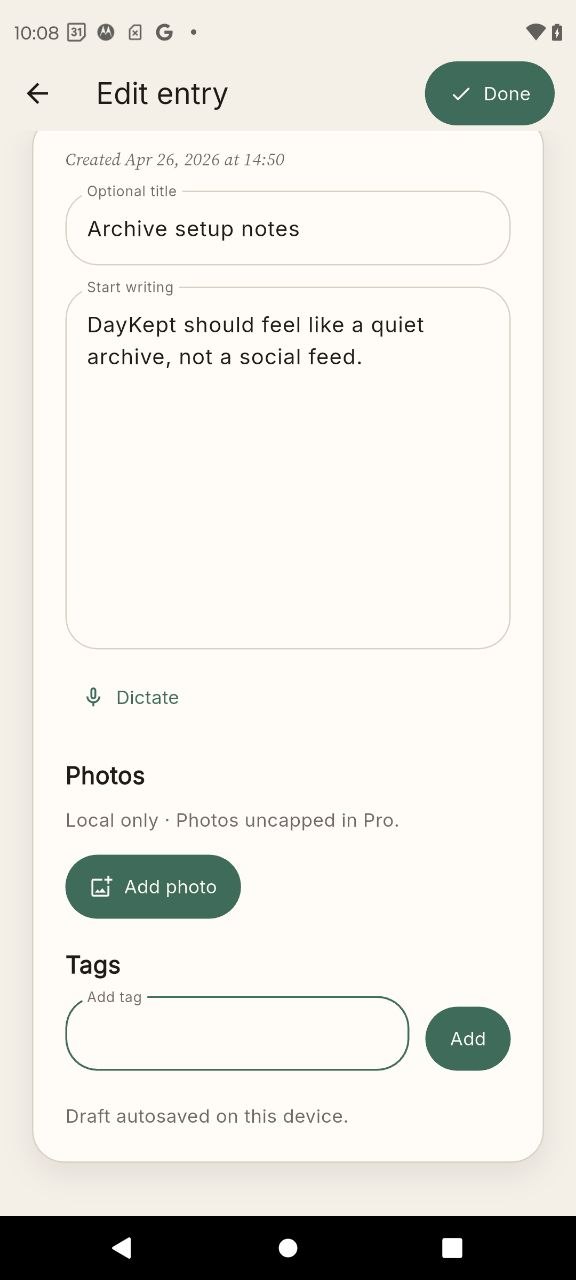
Type, paste or dictate entries on supported devices. Organize them with journals, tags and photos.
Free includes real search. Pro adds snippets and filters for larger archives.
Create a backup file, keep it somewhere you can reach, then review the restore before you confirm.
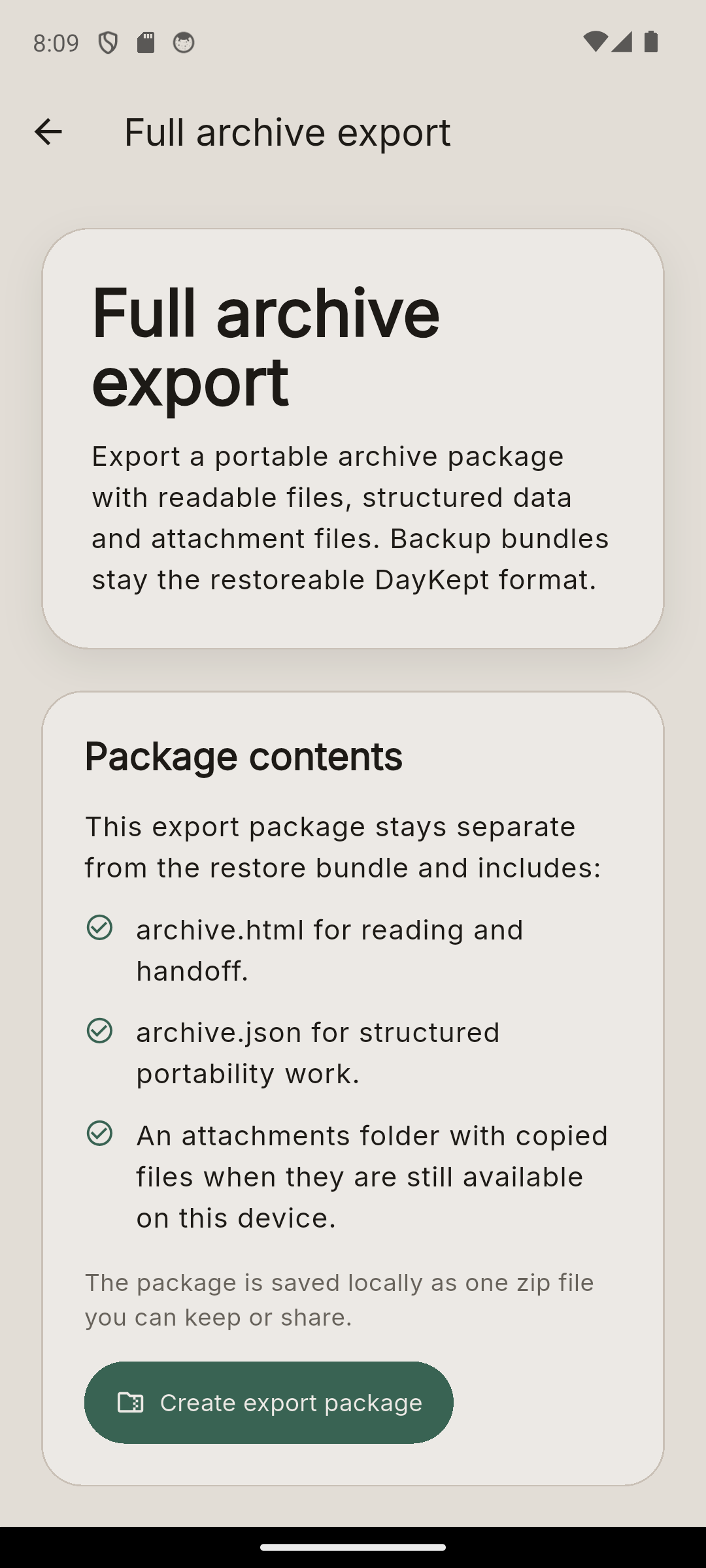
Full archive export is separate from backup. It gives you readable files, data and attachments.
Current Android app
These screenshots show the current Android app: search results, backup and restore, dictation, and full archive export.
On supported devices, dictate text into an entry, then keep it searchable, backed up and exportable.
Free and Pro
Pro is a one-time unlock on this platform. The current Google Play price appears before purchase.
FAQ
No. You can start writing on this device without creating an account.
No. DayKept is local-first. Use backup, restore and export when you need to move your archive.
Yes. On supported devices, dictated text becomes entry text you can search, back up and export.
No. DayKept does not store audio. Dictation uses your device speech recognition service.
Pro adds snippets and filters for search, full archive export, more room for photos and entries from shared Android content.
Yes. Pro includes full archive export as a portable package with readable files, data and attachments.
Start with the Android app
DayKept is available on Google Play. Start writing without a mandatory account, then search, back up, restore and export from the Android app.